


1. Make sure to have an account linked to your charger registered with Easee online portal / mobile app.
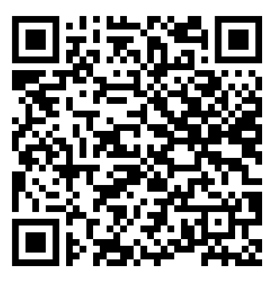
2. Scan the QR-code or click this link
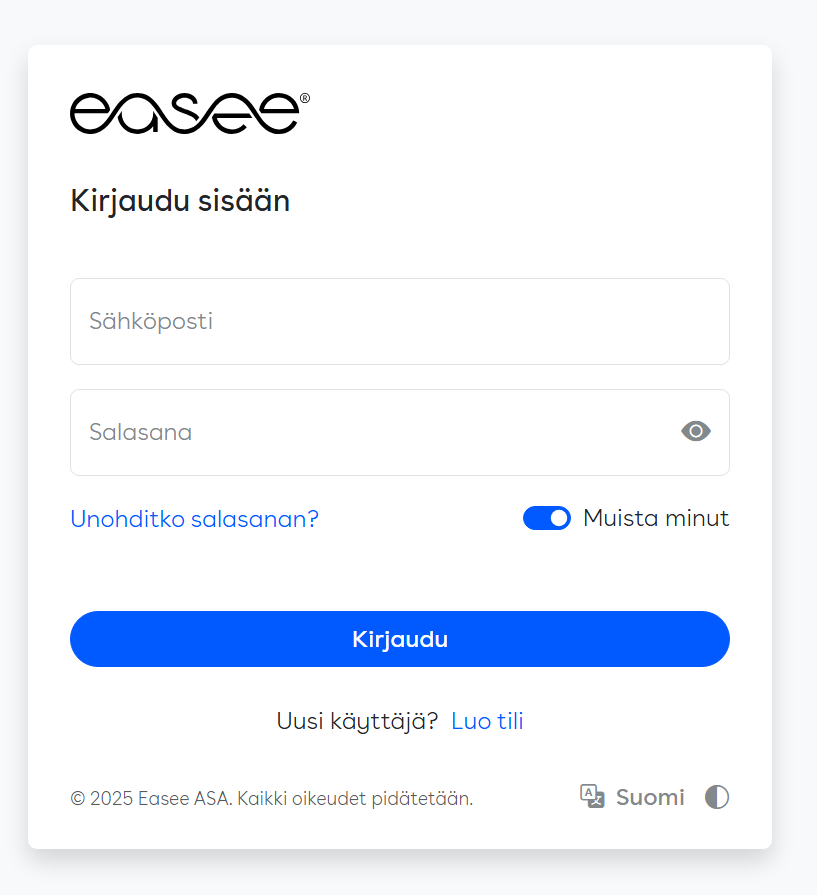
3. Sign in with your Easee account


4. Choose the correct installation from the list.
5. Accept request from KotiCharge.
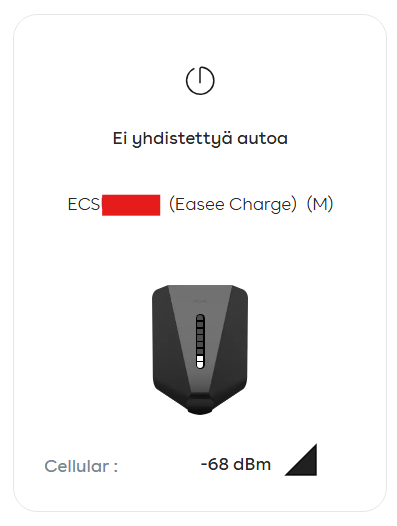
6. Send device ID information to KotiCharge.
- Find your charger ID (E…) in the online portal or mobile app and send it to KotiCharge. You may fill our contact form or send it via email.
- At this point the charger is not yet connected, but it is waiting for our confirmation.
- We will inform you when everything is ready.

Contact us