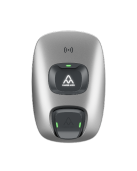
Connect Charge Amps to KotiCharge
Follow these detailed instructions to configure your Charge Amps charger for the KotiCharge network using the Charge Amps Installer mobile app.
Download app
Download the Charge Amps Installer app onto your smartphone from the App Store or Google Play.
Connect to device
Power on the charger, then open the app and scan for nearby devices. Once the device is found, click to connect to it with the provided password.
The password is normally provided by a sticker on the charger, or in the Charge Amps web portal.
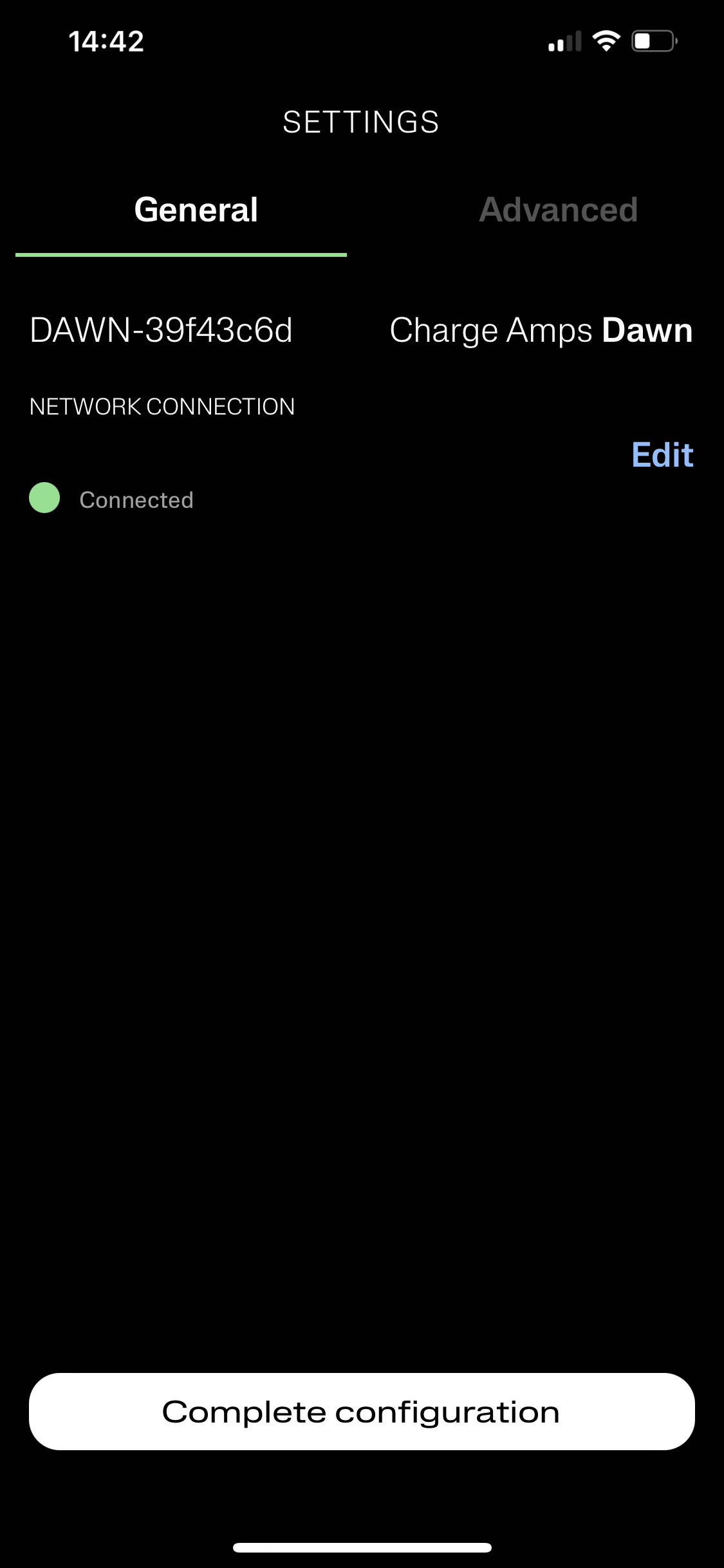
Configure CPMS Connection
Click on CPMS Connection -> Edit, then enter the KotiCharge URL:
wss://ocpp.koticharge.link/ 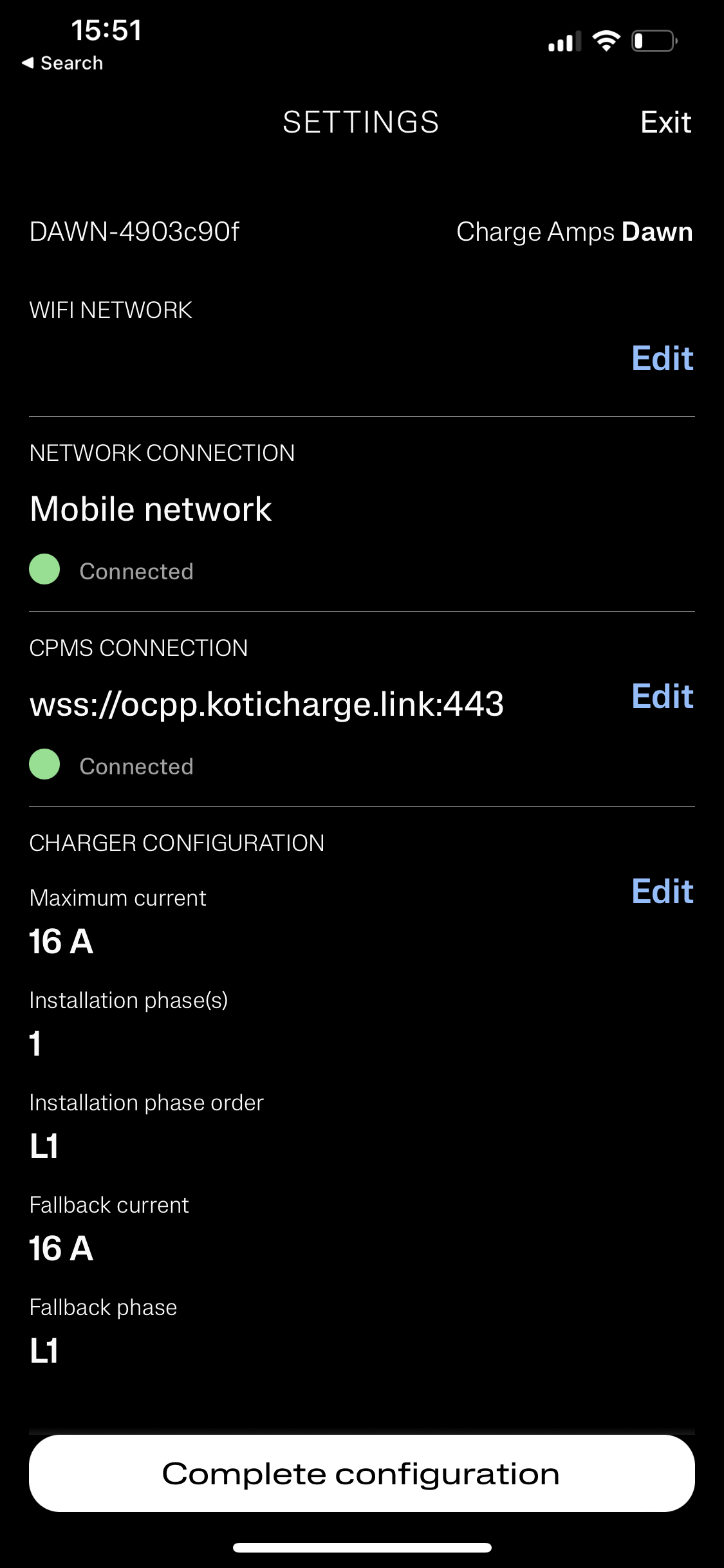
Click Save and reboot the charger.
Call KotiCharge for Testing
Call KotiCharge to inform us of your charger's ID so we can activate it in our system and perform a charging test.
Charger setup is only complete once the charging test has been performed successfully. Please do not leave the site before that.