Integration Guides
Connect your charger to KotiCharge
Follow these general instructions to connect almost any OCPP-compatible EV charger to the KotiCharge operator backend.
Supported Charger Brands
Select your brand for specific configuration instructions.
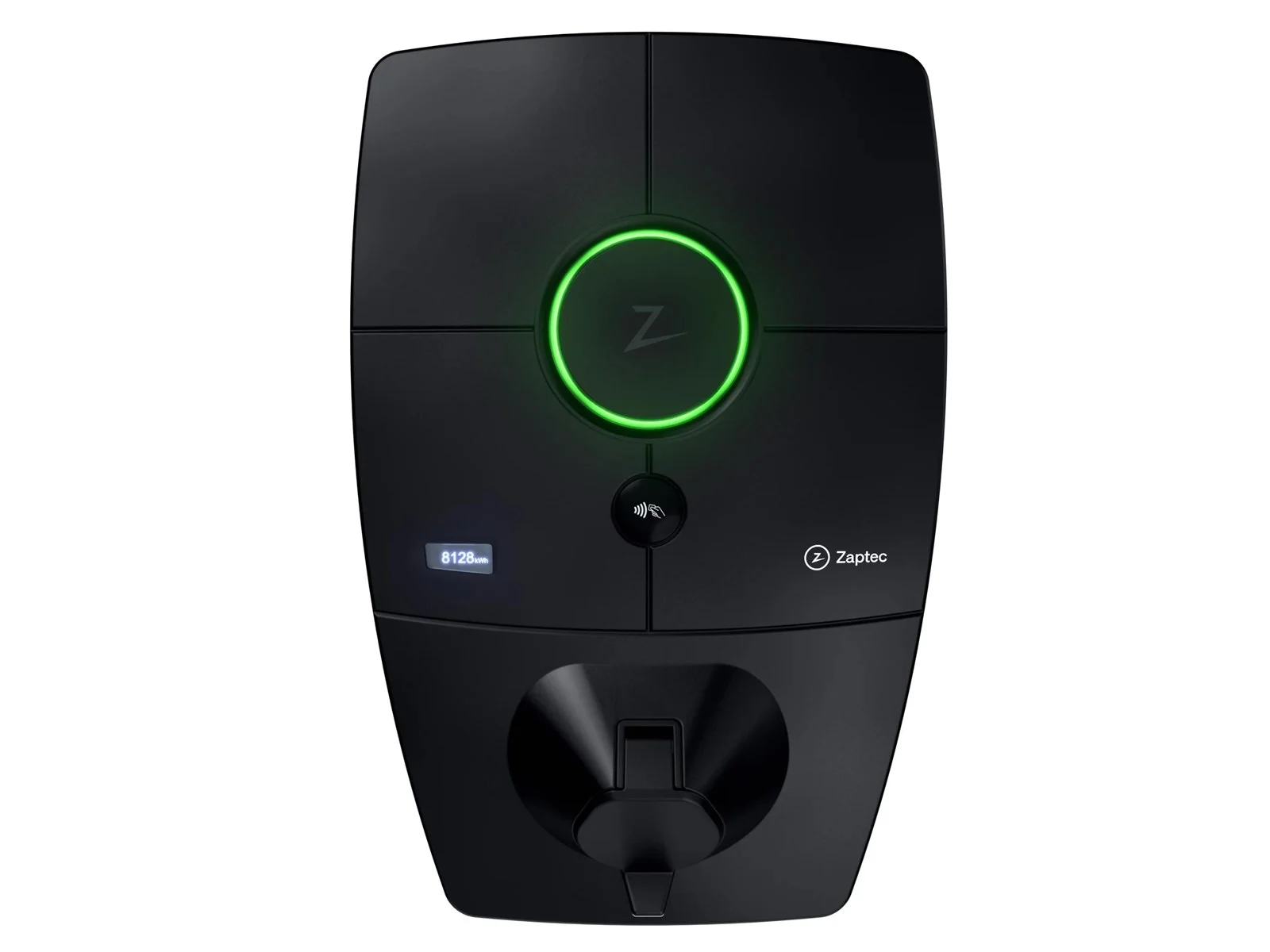 Zaptec
  Defa
Defa  Garo
Garo  Easee
Easee  Charge Amps
  Alfen
Alfen  Keba
Keba  Etrel
Etrel 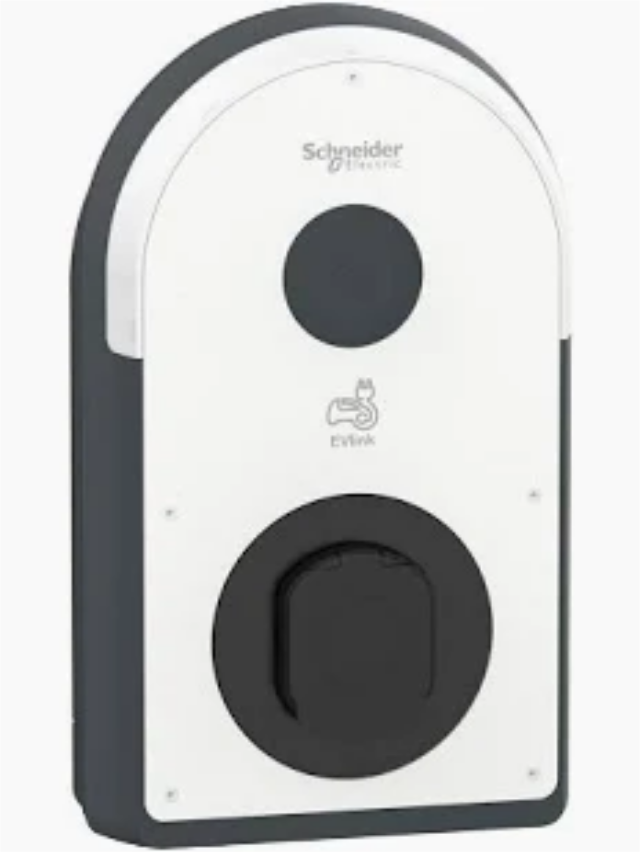 Schneider Electric
 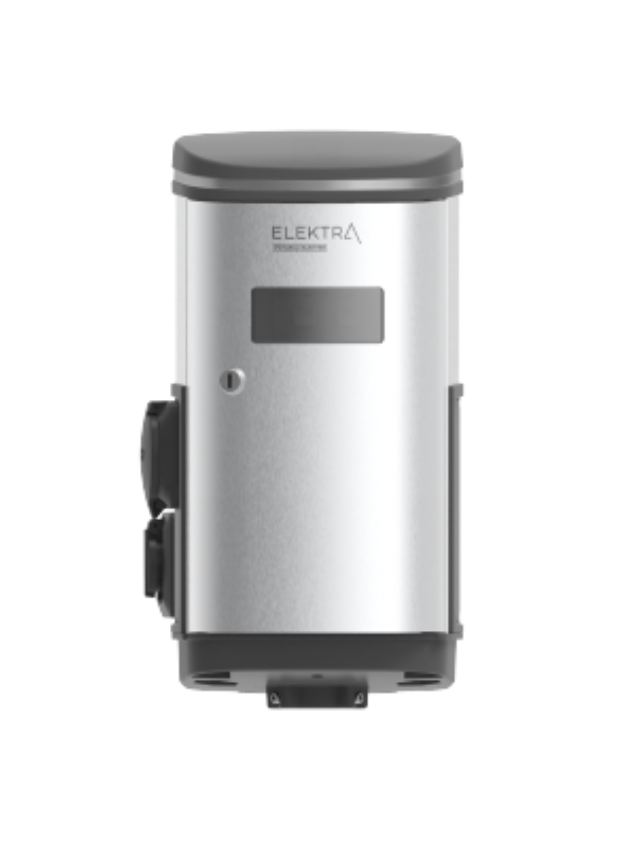 Harju Elekter
  Go-e
Go-e  Kempower
 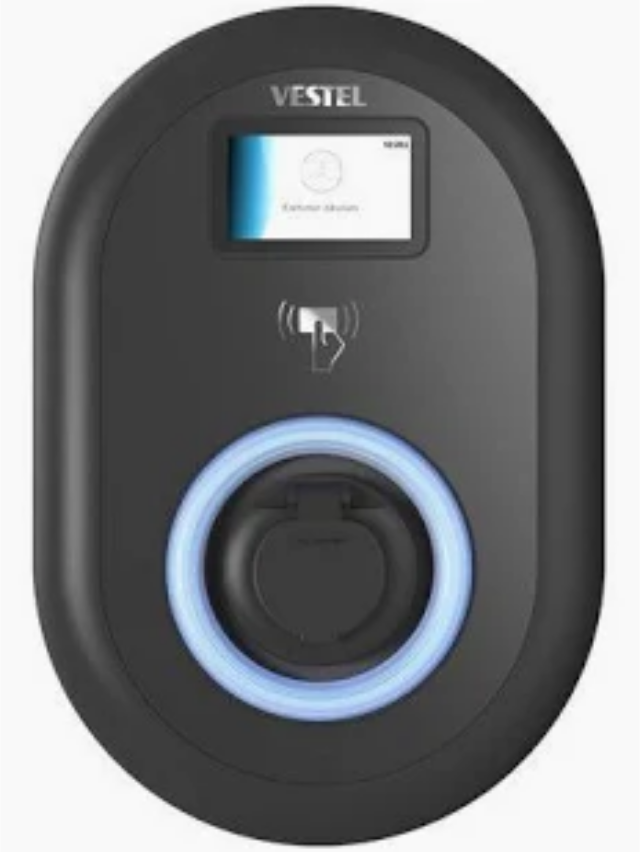 Finlux/Vestel
  ABB
ABB 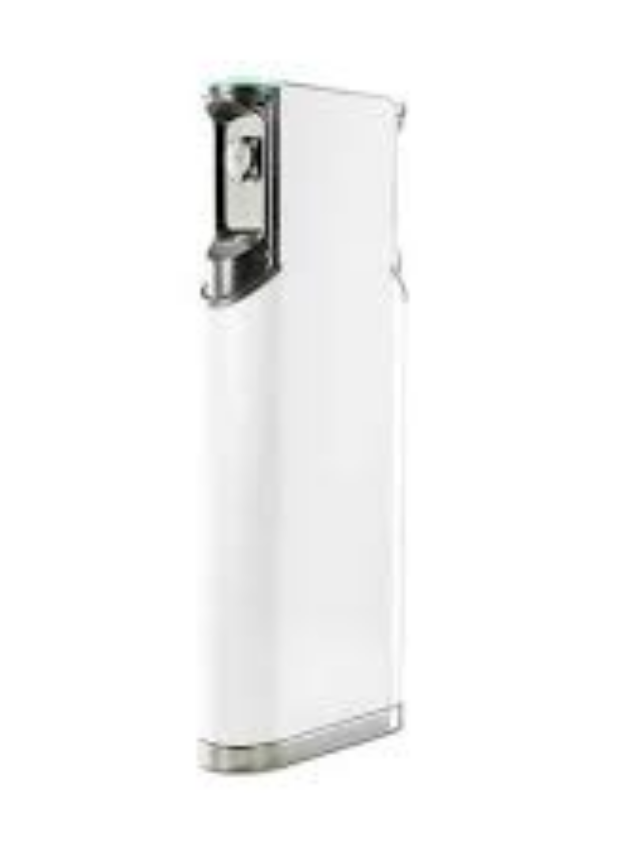 Ensto
Ensto 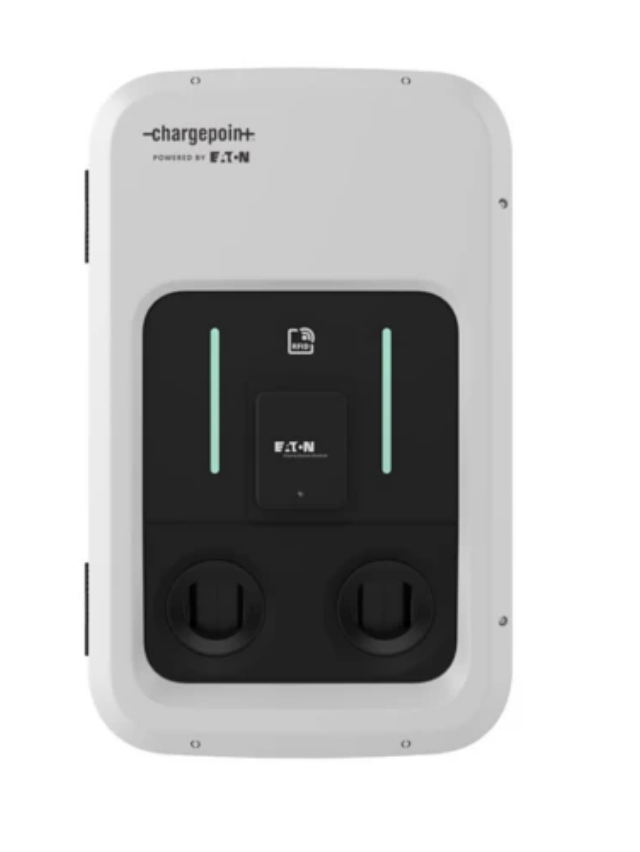 Eaton
Eaton 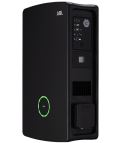 Wallbox
 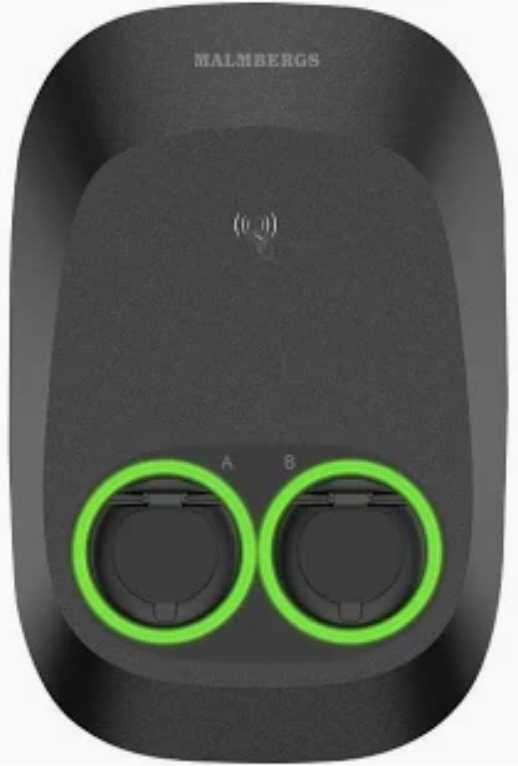 Malmbergs
  Elinta
Don't see your brand? We support all chargers using the OCPP 1.6J standard or higher.
Ask us for support — we continuously expand our list.
General Setup Instructions
Ensure internet connection
Connect your charging device to the internet (via Wi-Fi, Ethernet, or 4G) and open the device's management app or web portal.
Require authentication
Disable "free vending" or "plug and charge" modes so the charger waits for an authorization command from KotiCharge.
Connect to the KotiCharge server
Locate the "OCPP URL" or "Operator" settings and paste this exact address:
wss://ocpp.koticharge.link Notify KotiCharge
Send us your charger's ChargeBox Identity (ID). The charger will remain "pending" until we activate it in our system.
Need help connecting?
If you're having trouble entering the OCPP URL, our support team can guide you.
Contact Support