Connect DEFA POWER to KotiCharge
Follow these detailed instructions to integrate your DEFA POWER charger with KotiCharge using the Defa Power Setup app. Completing each step ensures correct installation and optimal functionality.
Setup phase
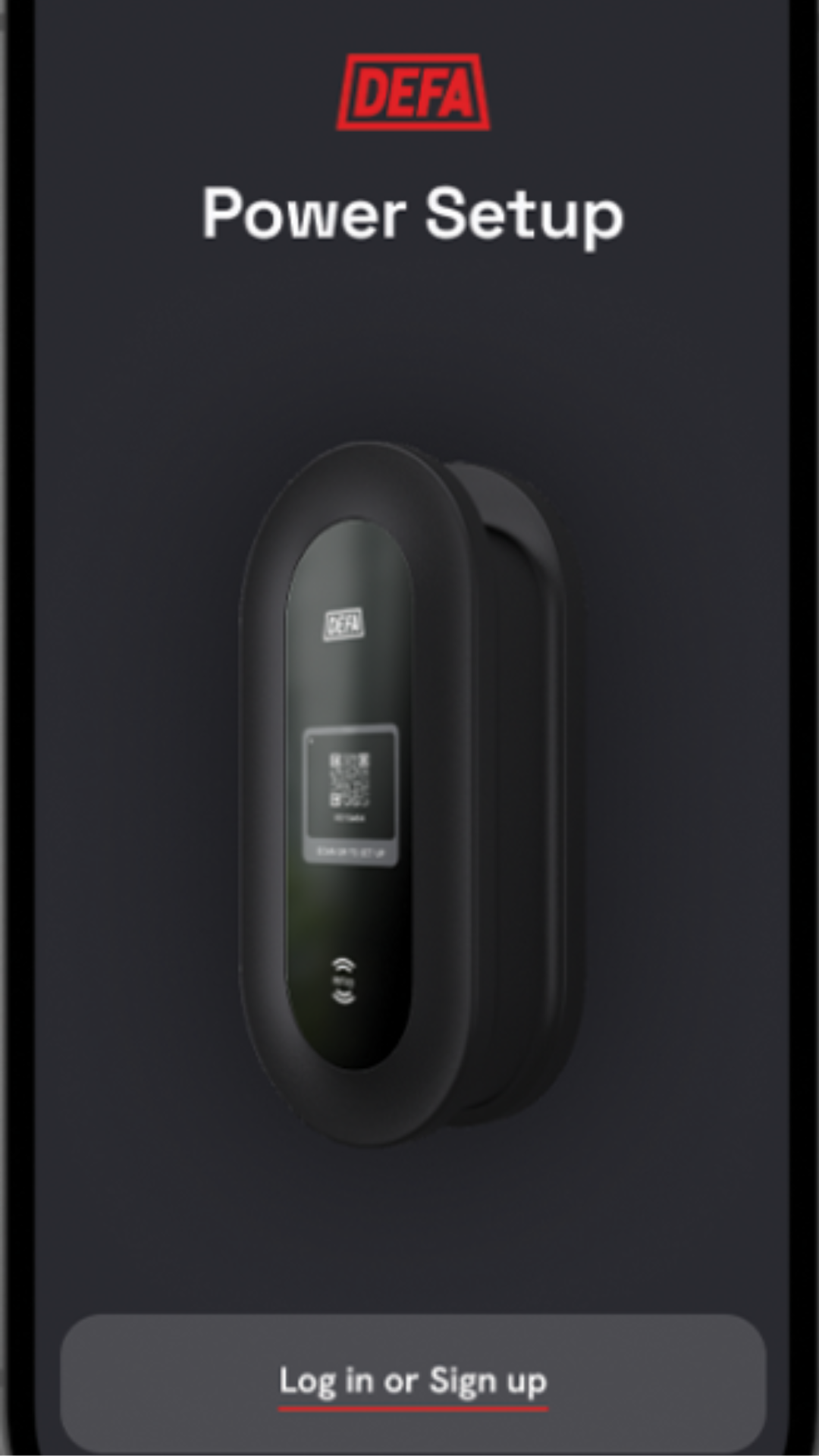
Download and install the Defa Power Setup app from your app store. Go near the charger and connect to it via Bluetooth using the app.
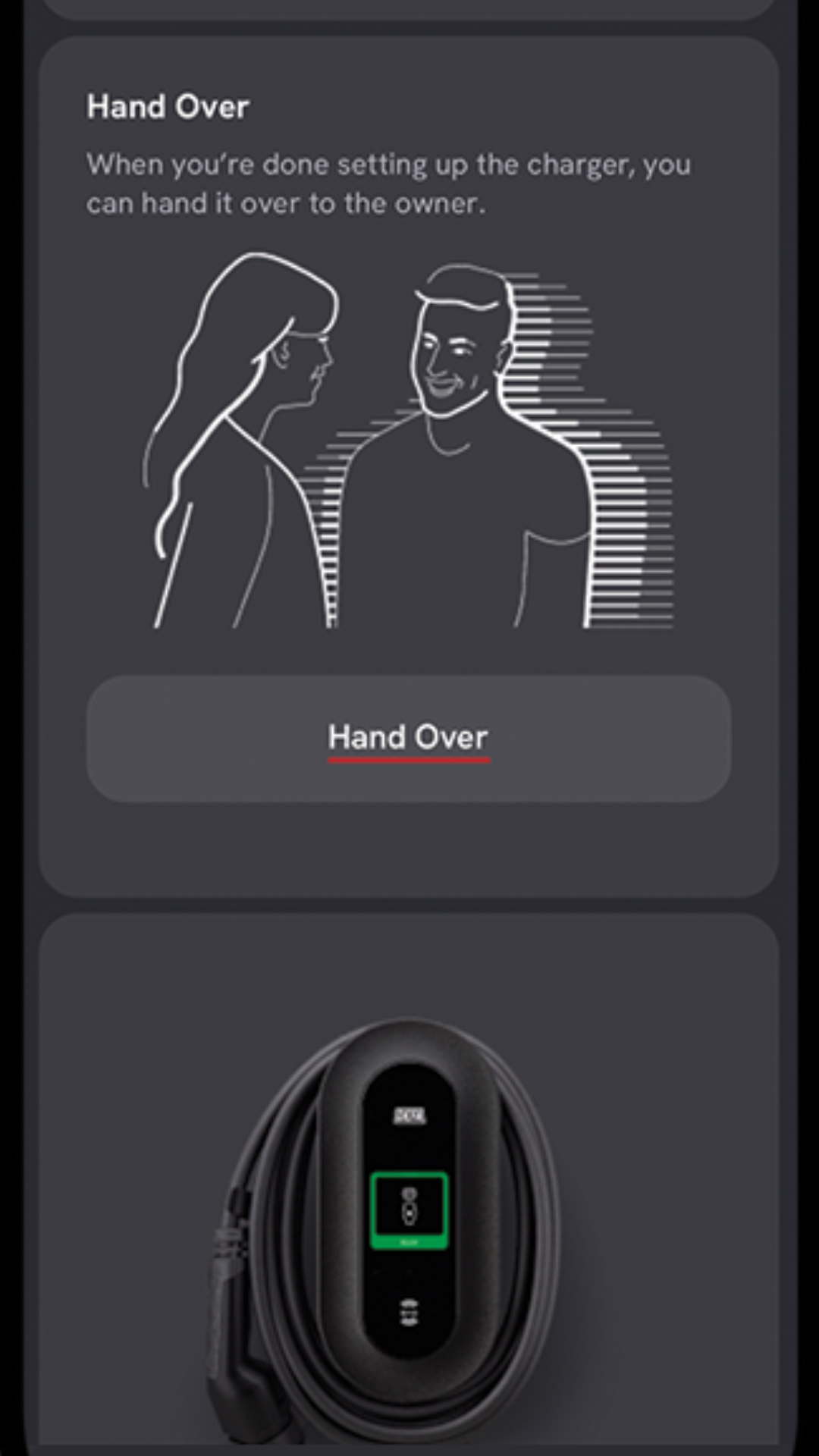
Handover phase
Once connected, scroll down to the bottom of the screen and press Handover (Siirto).
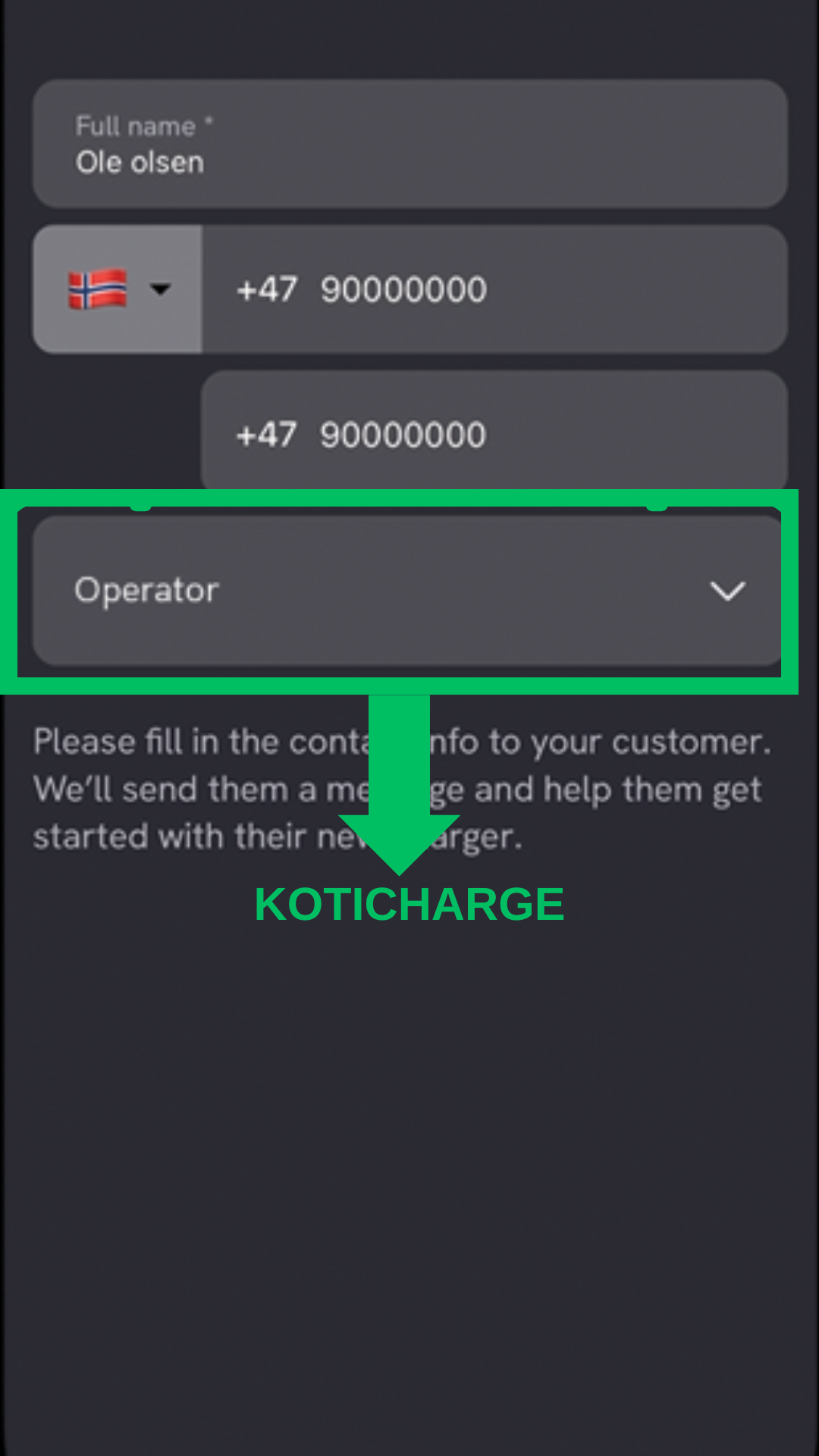
Send handover details
Select KotiCharge from the pop-up list and enter your phone number in the field. Press Send. Finally, restart the charger.
Notify KotiCharge
The setup is complete on the charger side. Finally, inform KotiCharge of your charger's ID so we can activate it in our system. You can see your charger's ID from the screen.
Please note that at this point your charger is not yet connected to KotiCharge, but is waiting for our approval. KotiCharge will notify you when the chargers are ready for use.
Contact KotiCharge