Connect Easee to KotiCharge
Follow these instructions to connect your Easee charging station to KotiCharge by granting us access via the Easee Portal.
Access your account
First, make sure you have an account and can log in to the Easee web portal or the Easee mobile app.
Use the KotiCharge link
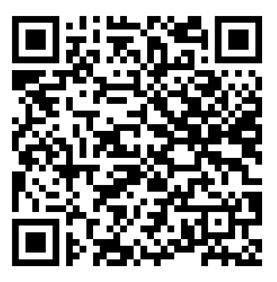
Scan the QR code below with your phone camera, or click this direct link to initiate the KotiCharge connection.
Log in
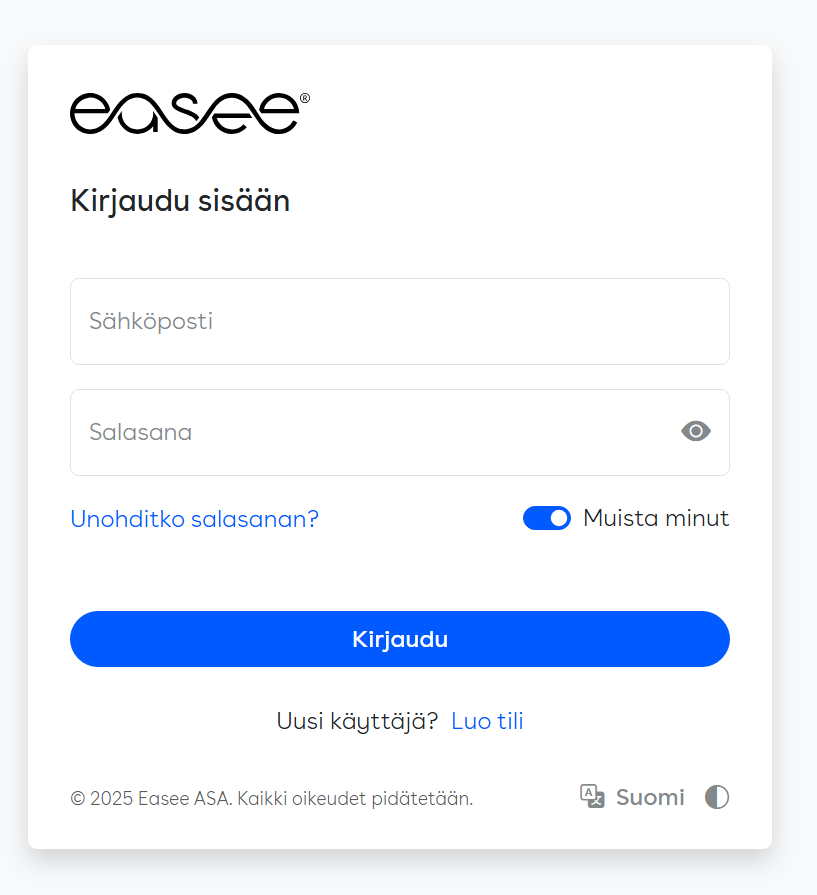
Log in with your existing Easee username and password when prompted.
Grant access
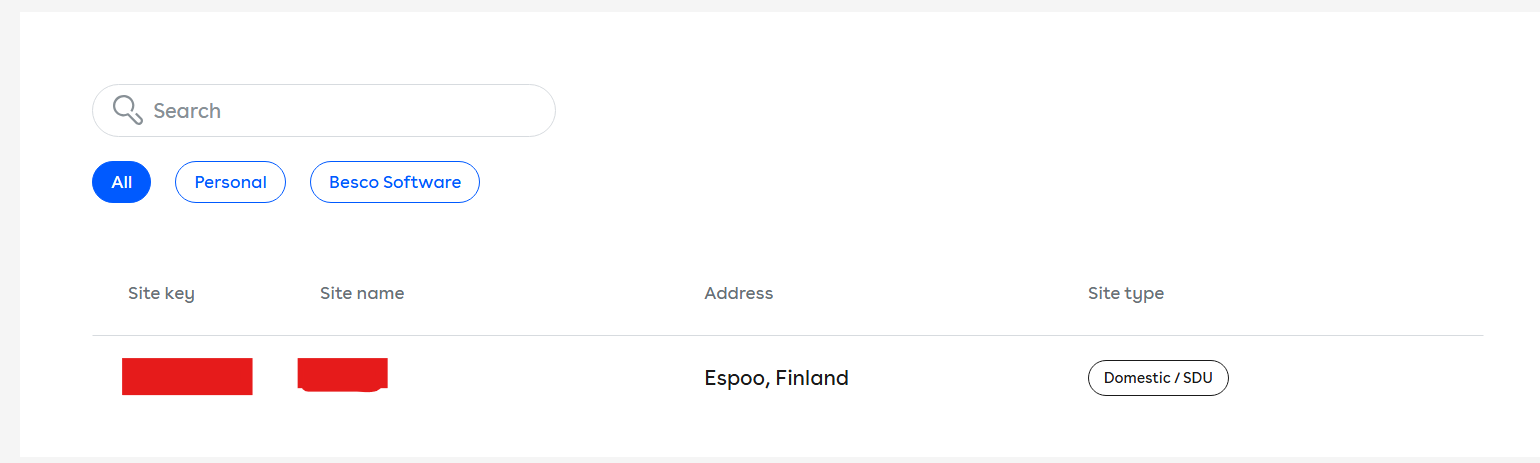
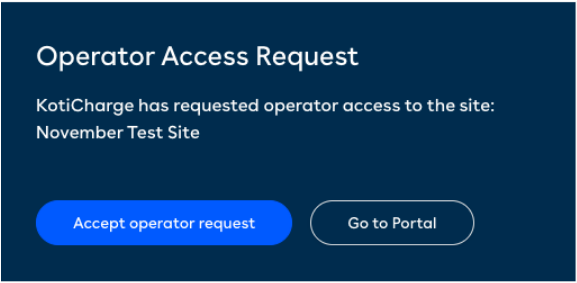
After logging in, select the correct installation from the list, then click to accept KotiCharge's access request.
Notify KotiCharge
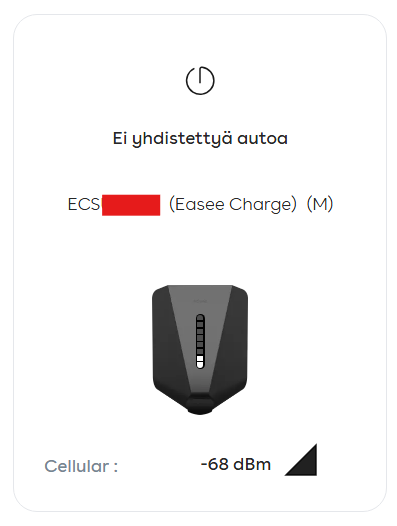
Finally, locate the charger ID (usually starts with "E" and is visible in the portal or app as shown below) and notify KotiCharge. You can do this, for example, by filling out the contract form on our website.
Please note that at this point your charger is not yet connected to KotiCharge, but is waiting for our approval. KotiCharge will notify you when the chargers are ready for use.