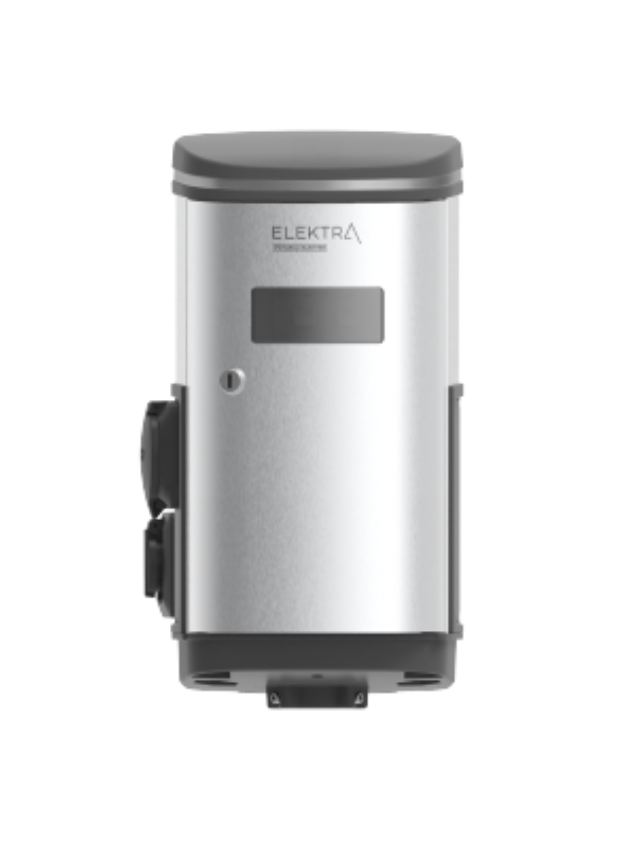
Connect Harju Elekter to KotiCharge
Follow these instructions to configure Harju Elekter ElektrA chargers (such as the A1, A3, A5, and Sense series) using their local server interface.
Connect to the Charger's Interface
Because Harju Elekter ElektrA chargers contain intelligent internal controllers, you must log into their local server to modify network settings.
- Power up the ElektrA charging station.
- Access the network: Connect an Ethernet cable directly from your laptop to the internal controller port, or connect to the station's broadcasted configuration Wi-Fi access point (if available on newer models like the Elektra Sense).
- Open the browser: Enter the default configuration gateway IP address provided in your specific model's installation manual (typically
192.168.x.xor similar local subnet). - Log in: Input the installer credentials found on the device's technical label or manual.
Configure Network Settings
The charger cannot reach an OCPP backend without an active internet path. Ensure you have properly configured the local internet connection settings (e.g., connected to Wi-Fi, Ethernet, or 4G LTE) before proceeding to the OCPP configuration.
Input OCPP Backend Parameters
Navigate to the OCPP or Central System configuration page in the menu and fill out the mandatory fields:
- OCPP Protocol Version: Select OCPP 1.6J (JSON over WebSockets).
- Central System URL / WebSocket URL:
wss://ocpp.koticharge.link/{ChargePointID} - Charge Point ID (Identity): Enter the unique serial name or asset label for this specific station location. Make sure it matches the ID appended to the URL above.
- Security Layer: None
Save and Restart
- Click Save Settings or Apply Changes.
- Perform a Soft Reboot via the web interface UI to initialize the new configurations.
Call KotiCharge for Testing
Call KotiCharge to inform us of your charger's ID so we can activate it in our system and perform a charging test.
Charger setup is only complete once the charging test has been performed successfully. Please do not leave the site before that.