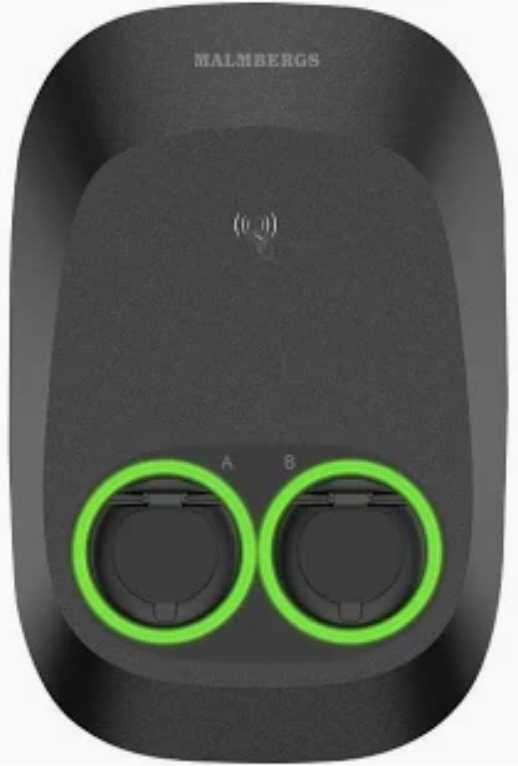
Connect Malmbergs to KotiCharge
Follow these detailed instructions to configure your Malmbergs EVON charger for the KotiCharge network using its built-in web interface.
Before you begin
You will need to connect to the Wi-Fi hotspot emitted from your charge point. All Malmbergs EVON models have a Wi-Fi hotspot feature enabled by default.
The standard credentials are:
- Wi-Fi Name (SSID): Malmbergslader
- Password: 12345678
Connect to the Hotspot
Connect your computer or phone to the "Wi-Fi Hotspot" network using the credentials above.
Open your web browser and enter the IP address into the address bar: 192.168.1.10
Log in
Once you enter the URL, you will go to the WebUI login page. The standard credentials are:
- User Name: admin
- Password: admin
Configure OCPP settings
Once in the WebUI, go to "OCPP settings" and enable the "OCPP connection".
- Central system address:
ws://ocpp.koticharge.link/ - Charge Point ID: Enter your charge point serial number
Scroll down until you can see the field called "FreeModeRFID".
Input eight times the letter F: FFFFFFFF, and ensure FreeModeActive is set to False.
Finally, press "Save".
Connect to the Internet
Now it is time to connect your charge point to the Internet.
- Navigate to the "Network interfaces" section and select "WLAN".
- SSID: Enter your local Wi-Fi's exact name.
- Password: Enter your Wi-Fi's password.
After you have filled in the information, click on "Save".
Call KotiCharge for Testing
Call KotiCharge to inform us of your charger's ID so we can activate it in our system and perform a charging test.
Charger setup is only complete once the charging test has been performed successfully. Please do not leave the site before that.