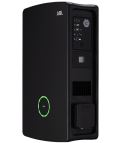
Connect Wallbox to KotiCharge
Follow these instructions to connect your Wallbox charger to the KotiCharge operator backend using the Wallbox app or portal.
1
Download app and connect
Download the Wallbox app on your mobile device.
Connect to your Wallbox charger via Bluetooth using the app to access its settings.
2
Require authentication
First, you must disable "free charging" (plug and charge).
Authentication must be required to start charging.
3
Set OCPP settings
Enable the OCPP protocol in the Wallbox settings with the following details:
- URL / Service:
wss://ocpp.koticharge.link/ - Charge point identity: Your device's unique UID.
- Password: (Leave this blank)
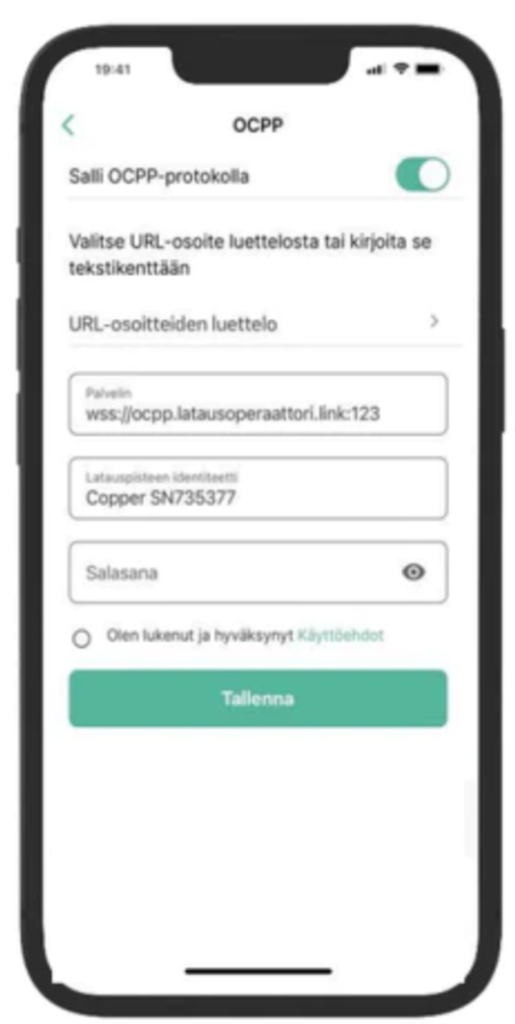
Save your settings.
4
For Electricians
Call KotiCharge for Testing
Call KotiCharge to inform us of your charger's ID so we can activate it in our system and perform a charging test.
Charger setup is only complete once the charging test has been performed successfully. Please do not leave the site before that.